Leadership Skills Sustainment Solution
Through experimentation and creative thinking, I brought a novel solution to keep managers engaged and sustain their learning beyond the end of their program.
Client:
Merck
Role:
eLearning Developer
Date:
2026
Project Specs
Audience: Upper-level managers
Tools: MS Teams, Synthesia, Adobe Creative Suite, SharePoint
Skills: Experimentation, AI Prompting
Brief
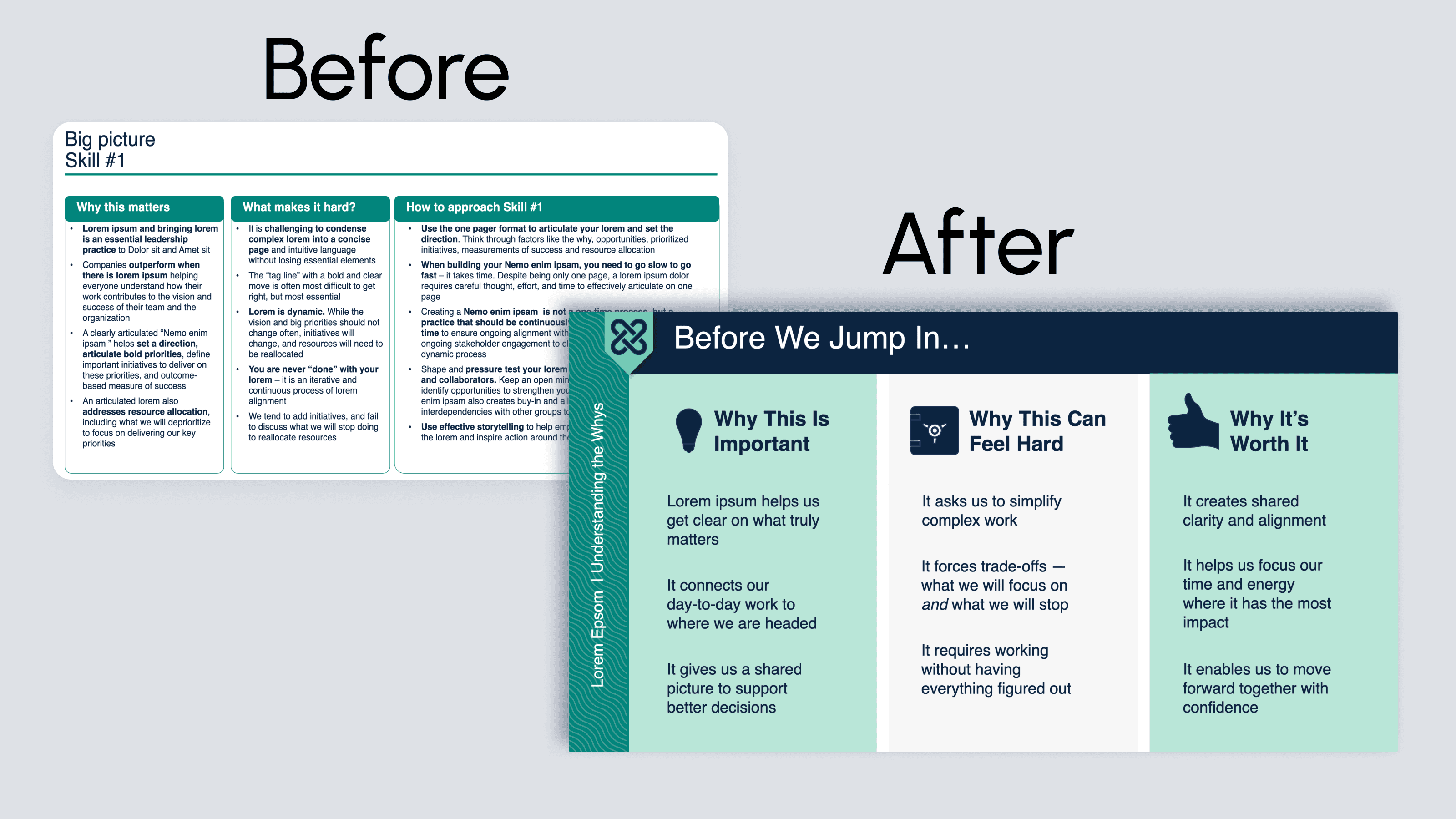
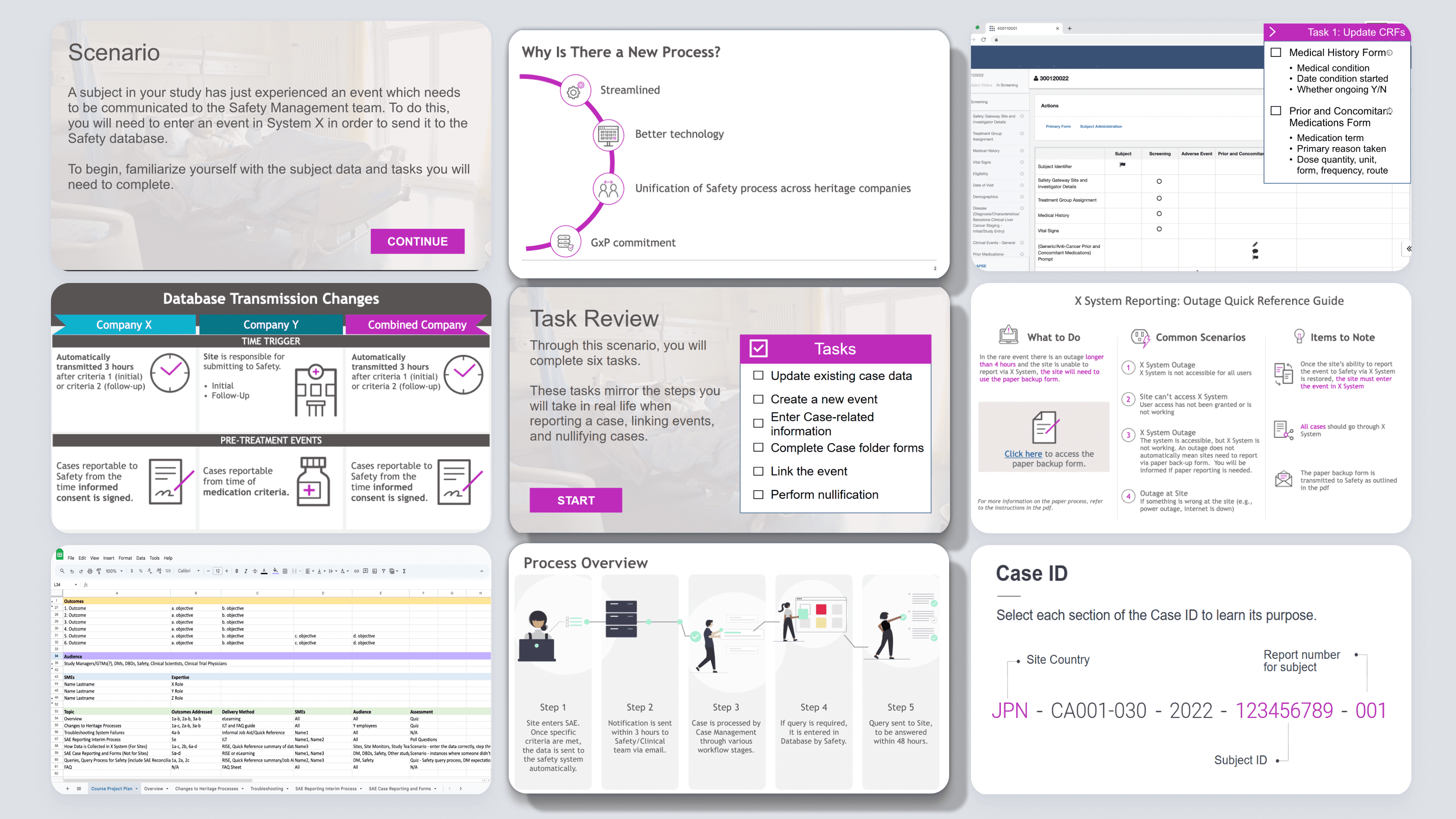
Create a resource for upper level managers to reinforce concepts learned in a leadership program and foster organic growth through collaborative learning. Must be engaging, integrated into the flow of work, and incorporate alumni success stories. The project also requires redeveloping word-heavy quick guides from an external vendor.
Project Synopsis
Context
Upper-level managers who completed a leadership program requested resources to reinforce the skills they learned. The project stakeholders and SMEs identified a need to integrate the resources into the flow of work; a new course or document would not be ideal. They also requested that we feature inspirational stories from alumni who successfully applied the program concepts with their direct reports.
My Role
As eLearning developer, I collaborated with the designer to create the resources. The designer first proposed a RISE course that integrated alumni stories via a podcast format. We built a prototype, integrating the program concepts at a high level and weaving in the “podcast” recordings of alumni stories and linking the quick guide. The feedback was that the audience would not likely engage with this format, it was not easily accessed and was too reading-intensive; they expressed that it should be easy to use and more engaging than standard RISE elements such as accordions and cards. The designer and I pivoted to a SharePoint site to better support a visual, user-friendly format. I prototyped a site with alumni videos, an infographic of the program’s high level concepts, and helpful document links. However, the stakeholders felt this still wasn’t engaging enough and mirrored existing program resources too closely.
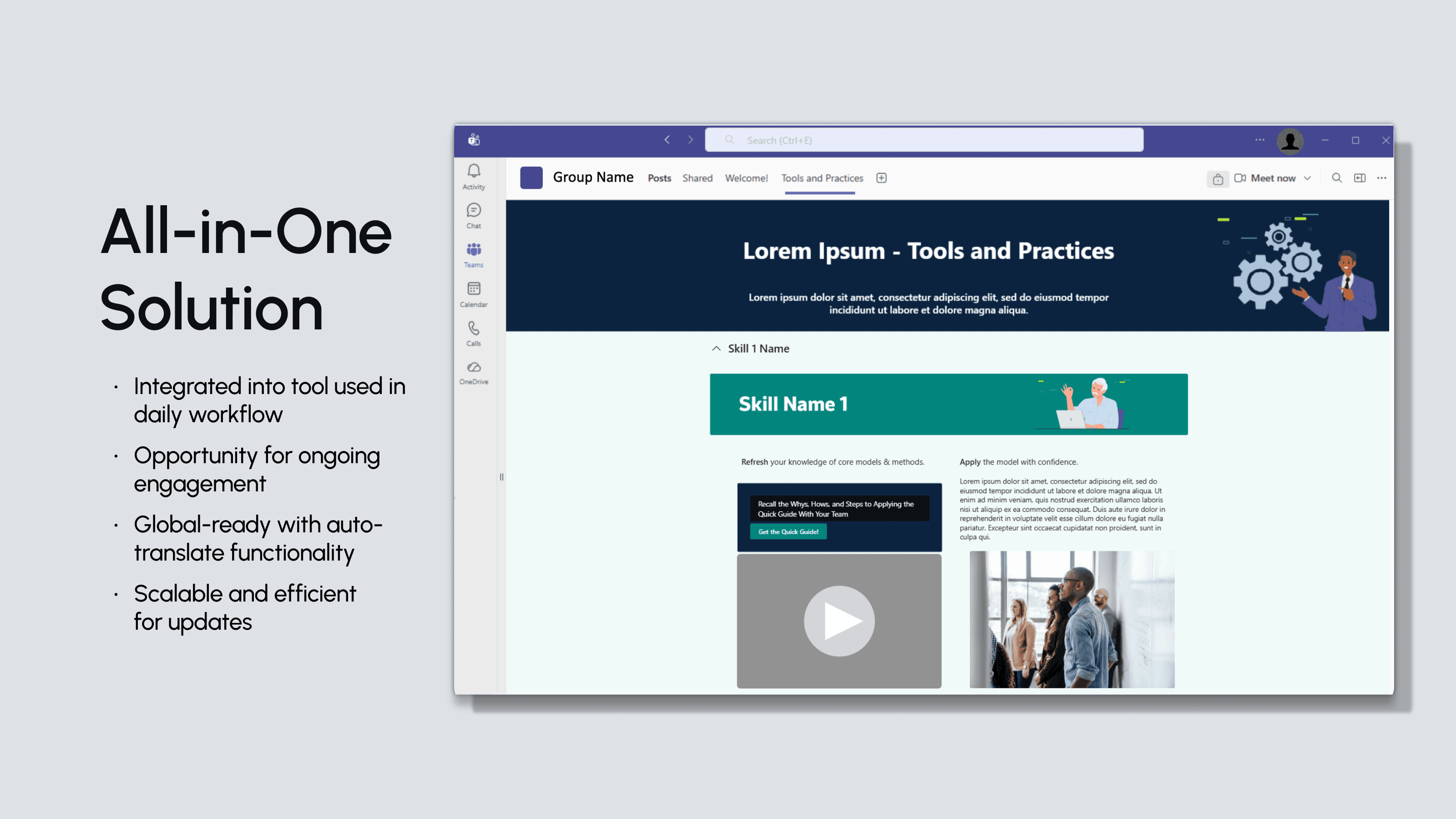
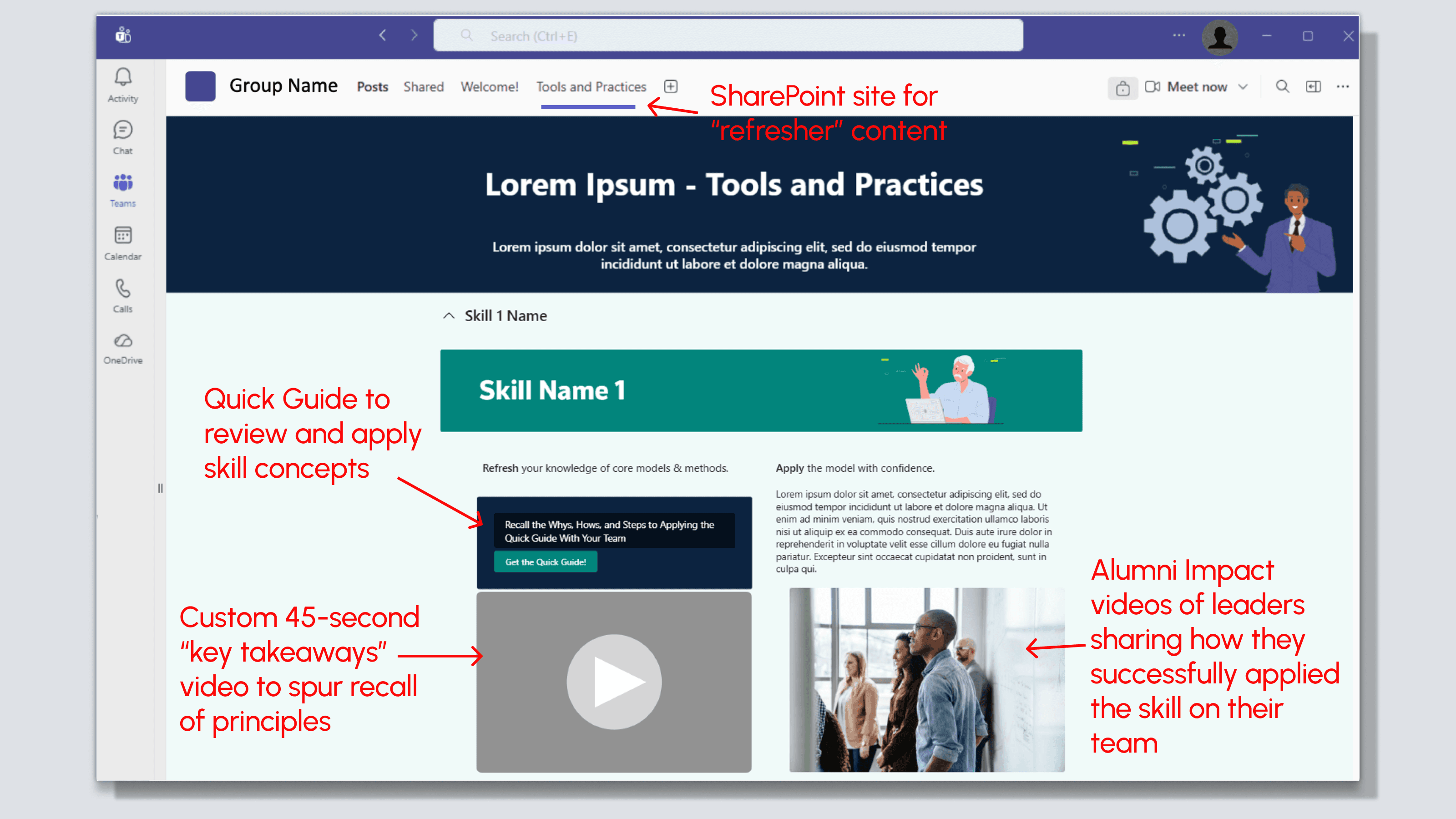
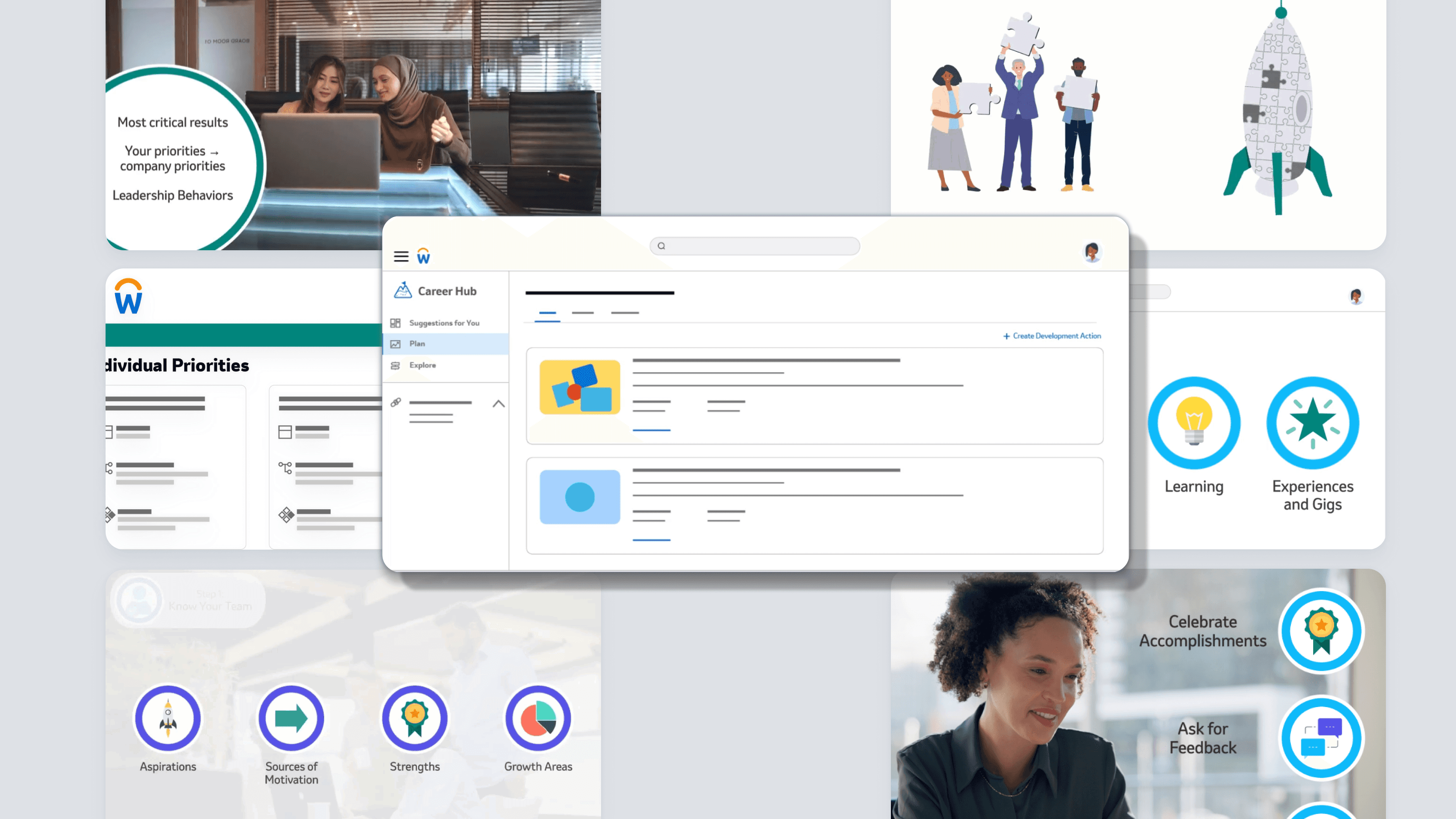
After brainstorming, we proposed using a channel in MS Teams - a tool that our audience used daily. Historically, Teams channels faced resistance at our company due to the high maintenance required from a dedicated owner. To mitigate this, we looked for low-effort, high-engagement solutions. We didn’t want to simply store documents in the channel; we wanted to foster collaboration and engagement among the managers to learn from one another as they had in the program. As our team’s resident experimenter, I dove into Teams, exploring ways we could make it easy for program alumni connection and require little to no technological expertise from the channel’s owner. I found that we could embed a Microsoft Loop page into the channel as a tab at the top. We were able to include the refresher content from the quick guide and alumni stories easily, and we knew it would be easy to maintain as Loop is very similar to MS Word. However, it was not the most visually striking and lacked flexibility. I then found that we could embed SharePoint sites into the channel, adding visual interest and an intuitive layout within Teams. This created a cohesive hub for video takeaways, quick guides, and alumni stories.
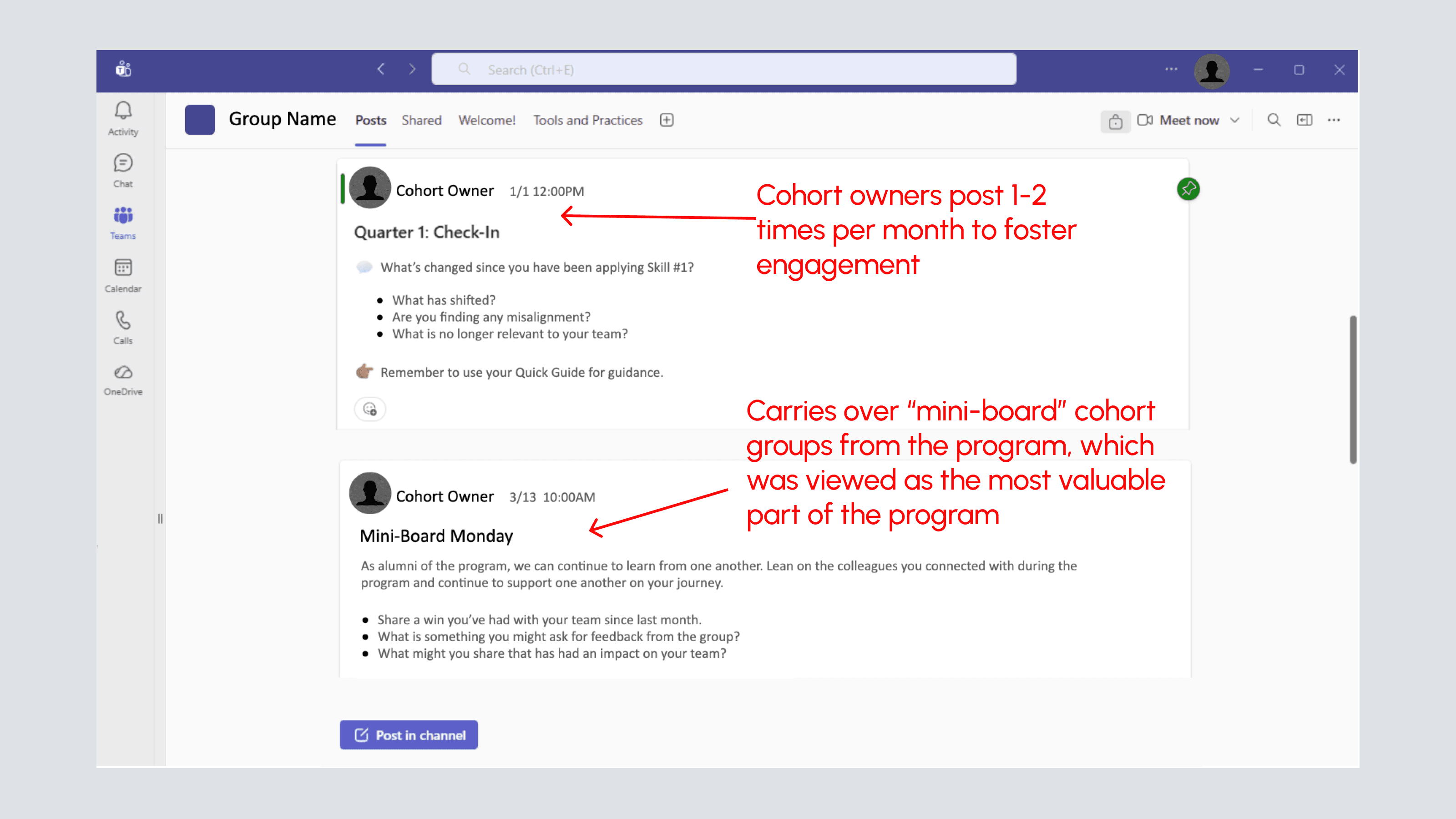
To sustain engagement without relying on a single owner, we proposed a rotational model where alumni and cohort leaders serve as co-owners, each taking responsibility for one month per year. Finally, to push ongoing dialogue, we launched "Mini-Board Mondays"—monthly prompts in the channel designed to nudge managers to discuss how they are applying program topics with their cohort alumni.
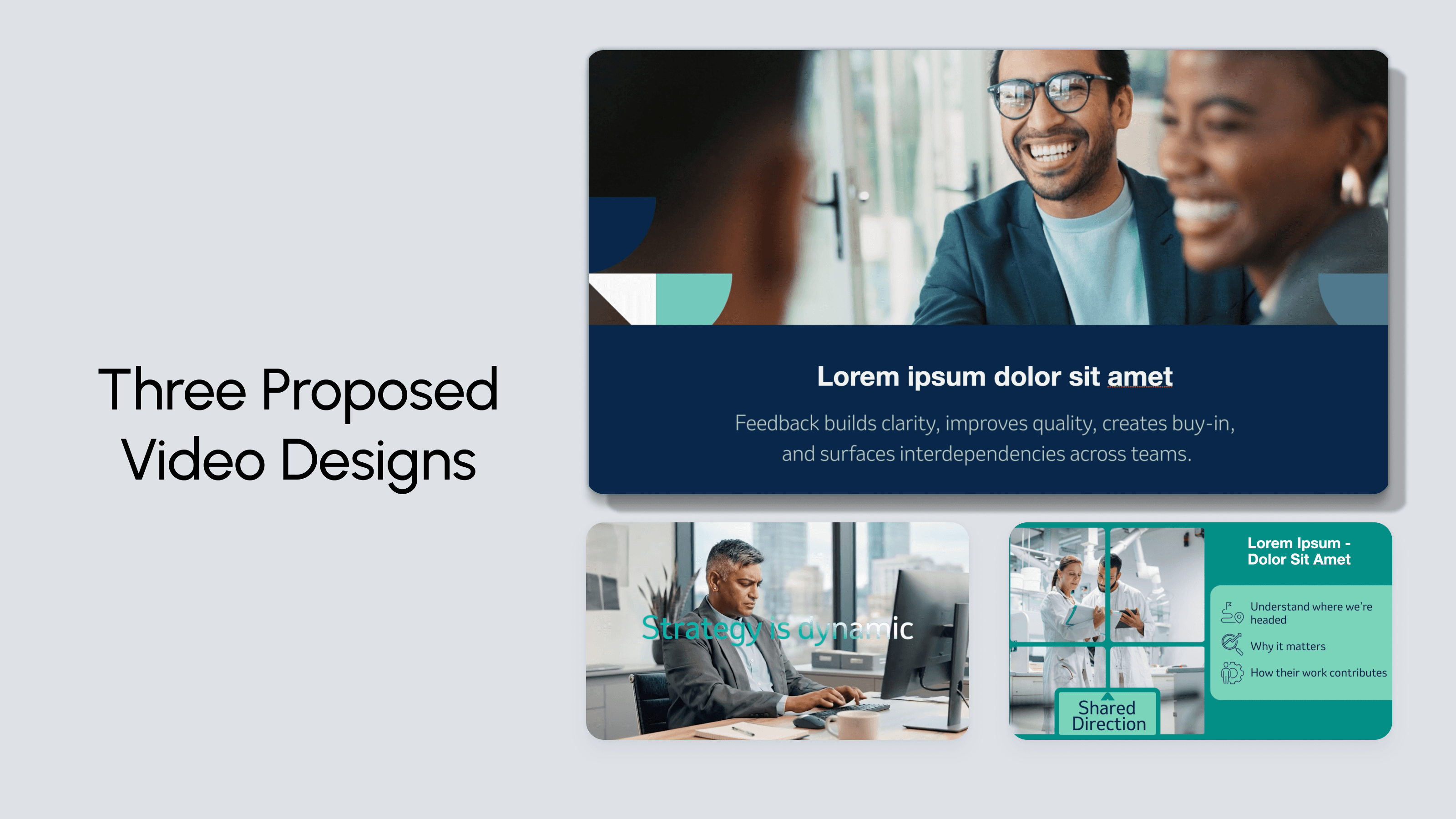
The concept was approved with great enthusiasm. I was then tasked with prototyping novel, short-form videos to highlight the key takeaways from the program. To expedite this, I used AI prompting to draft a 45-second script based on the quick guide content. After finessing the script, I drafted two variations, one in Synthesia and one using the Adobe Creative Suite. In the Synthesia version, I used an avatar, stock video, and keywords to highlight the concepts. In the Adobe Creative Suite version, I used Firefly and Premiere Pro to create an AI-generated “day in the life” video of an avatar, showing them applying the concepts with their team and using motion graphics to highlight the keywords. While stakeholders preferred the Synthesia video, they requested the inclusion of the motion graphics from the Adobe version.
The Results
Though still in development, the project has already gained traction beyond its original scope — the Teams environment is being adopted by other teams across the division and has inspired a parallel effort for mid- and lower-level managers. The stakeholder and SMEs have already noted the engaging and novel quality of the assets and awarded me with company rewards points for my innovative thinking and experimentation.
Note: The project media shown here has been reworked to remove proprietary information. All media is for example only and does not include the full asset content.